How to identify your Toast handheld before buying protection
A Toast case or screen protector needs to match the exact device on your floor. Take a minute to confirm the model before ordering, especially when a restaurant is replacing handhelds in stages or running more than one generation at once.
1. Check the model name
Look for the device model on the back of the handheld or in its Toast device settings. Record the model before ordering for a full group, and keep the count by model with the order. That avoids a rollout where a fitted case or piece of tempered glass is correct for one handheld but not another.
2. Choose the matching collection
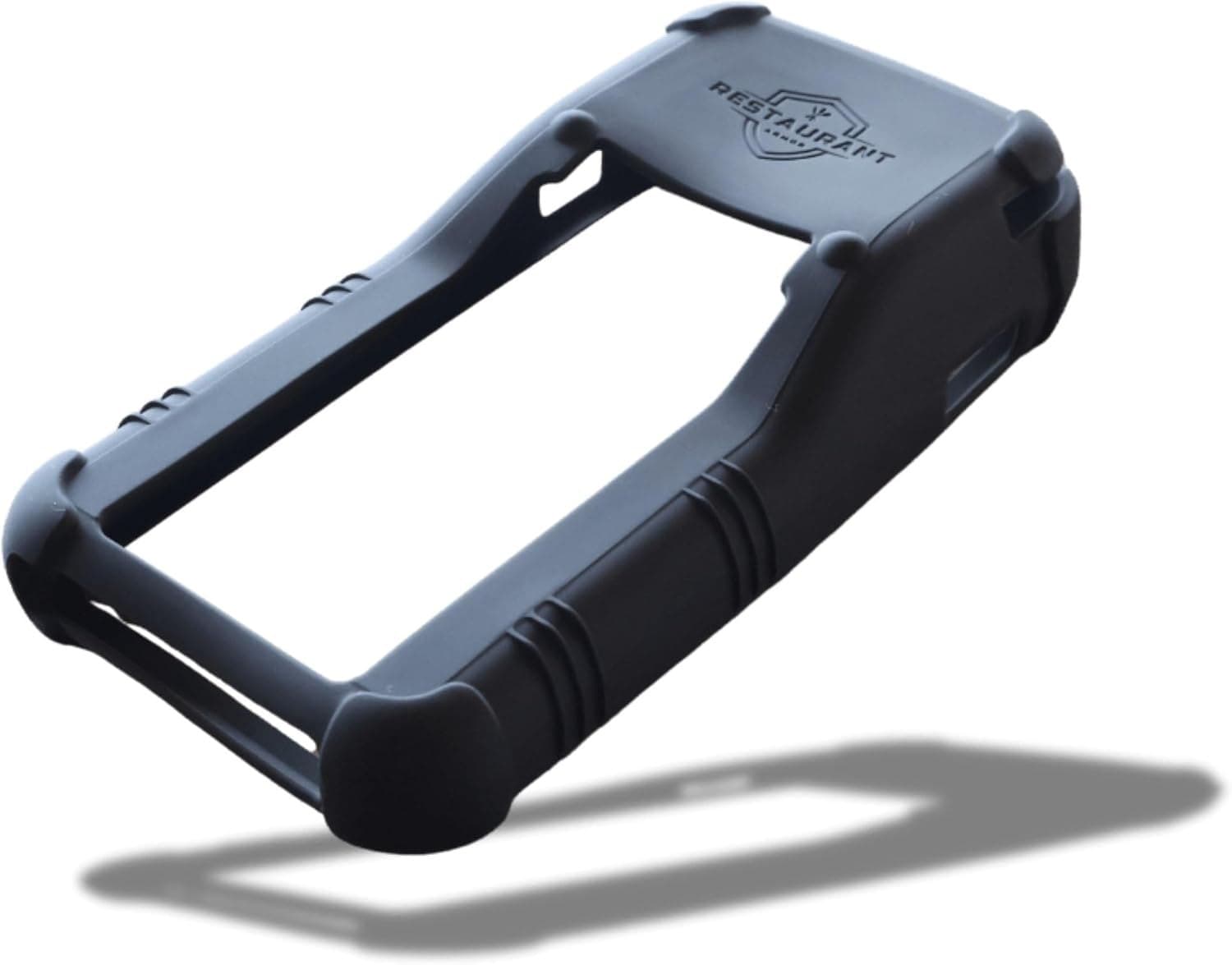
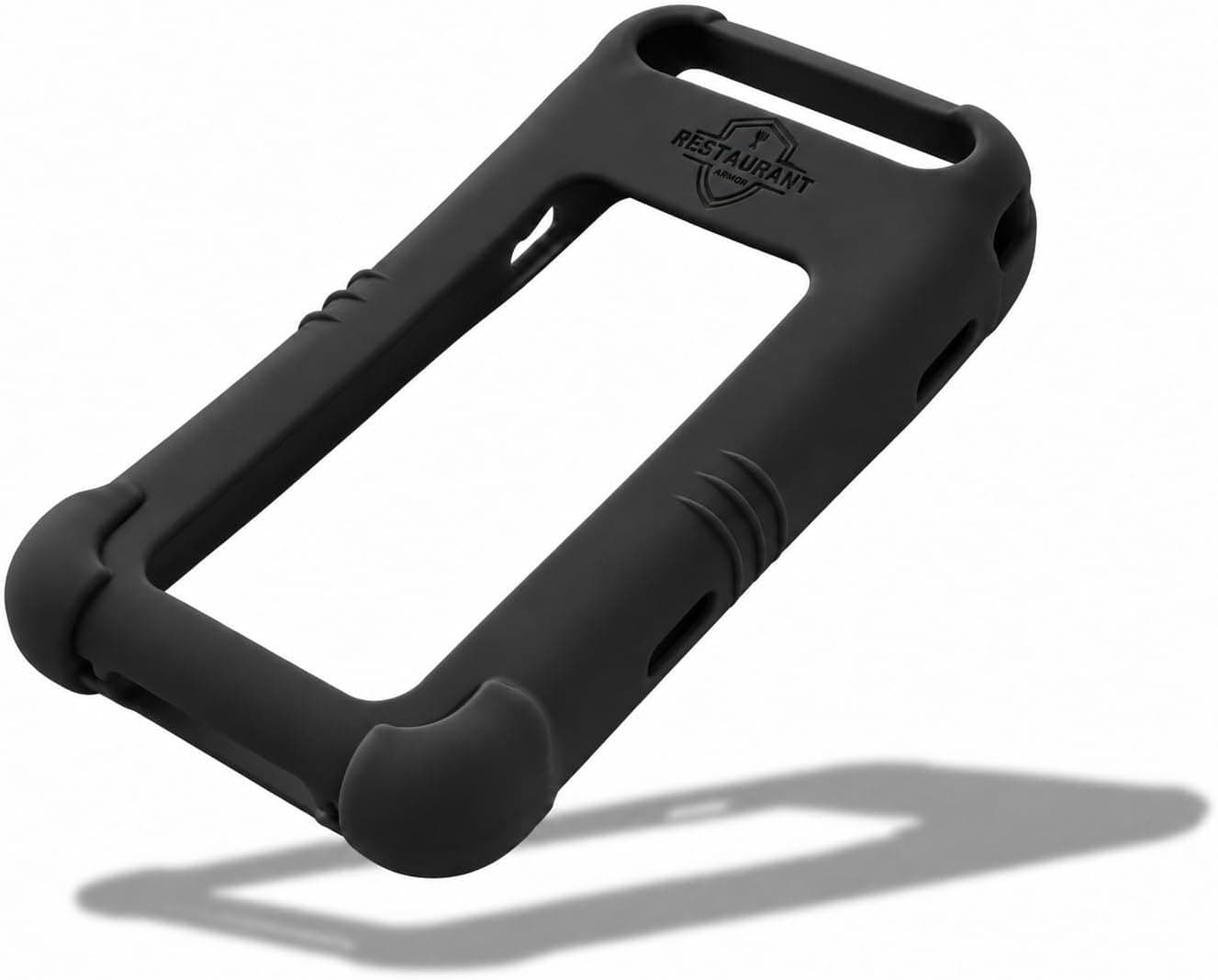
Once the model is confirmed, shop only the collection for that handheld. The Toast Go 2 collection groups the Go 2 case, screen protector and shared holster. The Toast Go 3 collection does the same for the Go 3.
3. Keep fitted protection with the device
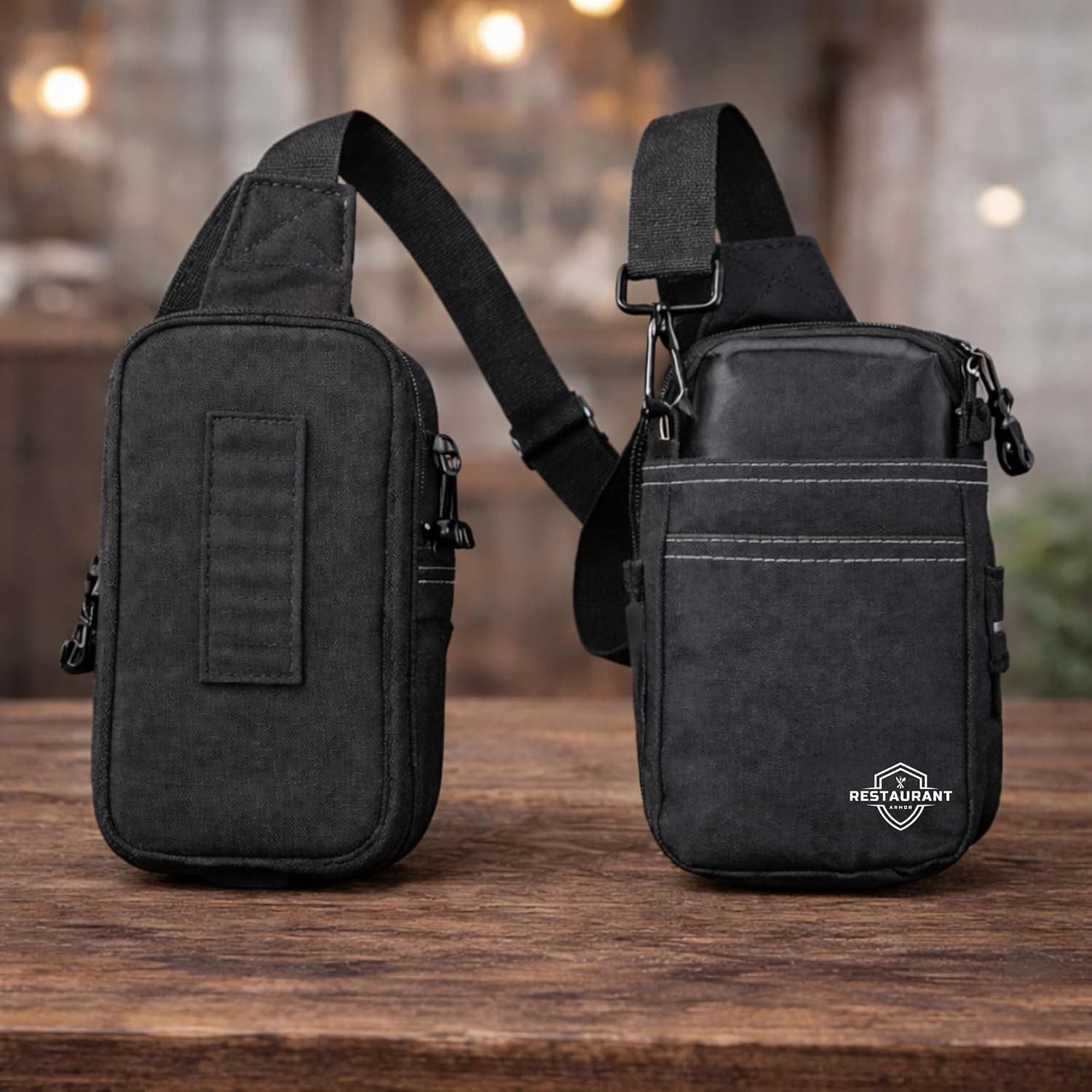
Restaurant Armor makes a separate silicone case and 9H tempered-glass protector for each model. The fitted pieces preserve access to the relevant ports, card reader, scanner and screen area. The Toast Go holster is the flexible part of the set: it works with either model, with a Restaurant Armor case installed.
4. Handling a mixed fleet
For a location running both models, separate the order by device first, then add the shared holster to the staff who need hands-free carry. The Toast Go 2 versus Go 3 compatibility guide gives the full accessory breakdown. For multi-location counts, samples or a larger rollout, contact wholesale.